BI Server Configuration is where an administrator connects Rapid BI Catalog to a BI platform. It is a two-tab page — Tableau and Power BI — and each tab manages that tool's own environments and what sits inside them: sites for Tableau, workspaces for Power BI. For how each connection works, see Tableau Server & Cloud Setup or Power BI Service.
Overview
Configuration is fully UI‑driven and admin‑only. You add one environment per Tableau Server or Tableau Cloud tenant, or Power BI tenant, then configure the sites or workspaces you want to document under it. Multiple environments can be added and used side by side.
| Tableau tab | Power BI tab | |
|---|---|---|
| An environment is | A Tableau Server, or a Tableau Cloud tenant | A Power BI tenant |
| Identified by | Server URL, or Cloud tenant | Tenant ID and client ID |
| Authenticates with | An admin PAT for discovery, and Connected Apps for end users | A Microsoft Entra app registration acting as a service principal |
| Beneath it you configure | Sites | Workspaces |
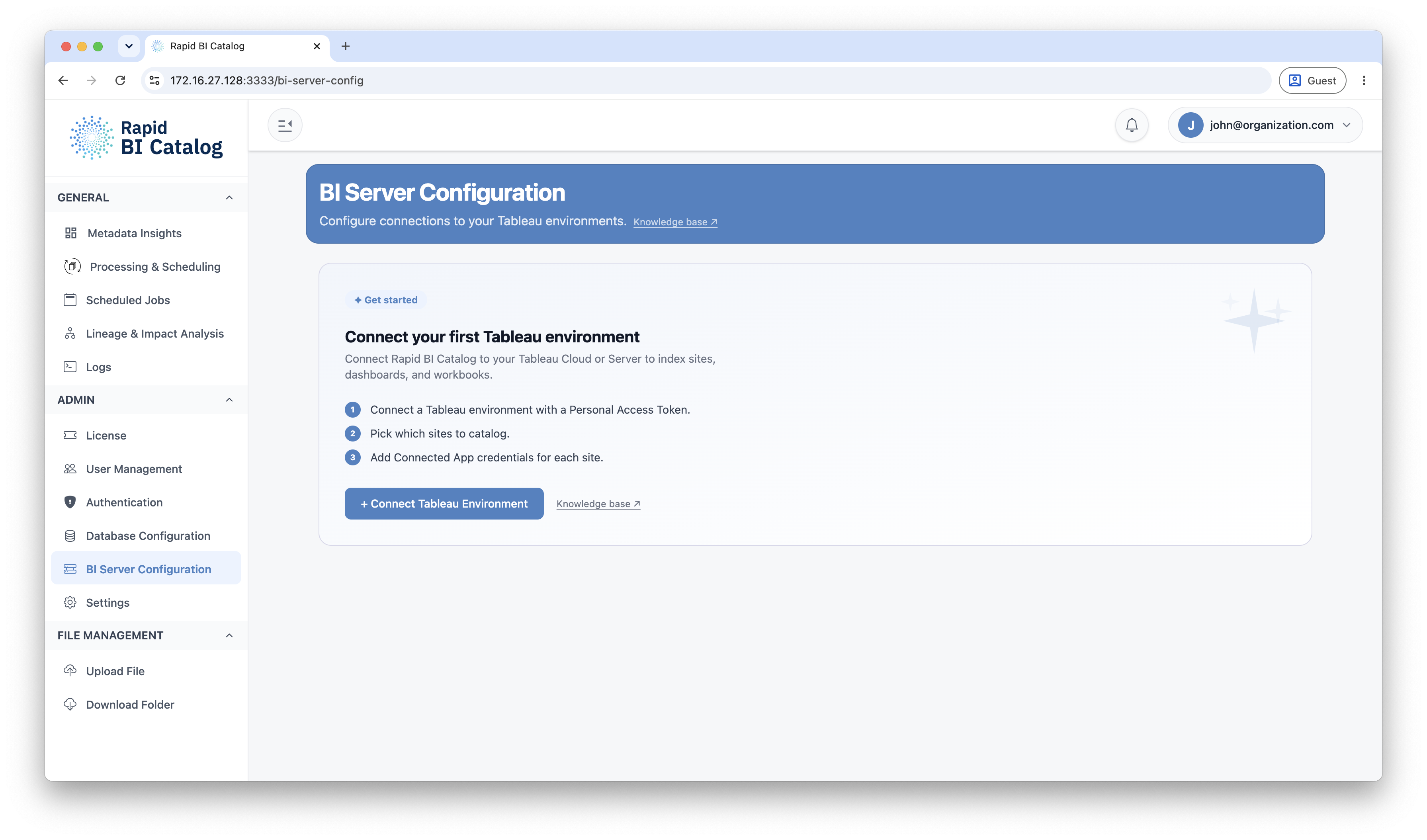
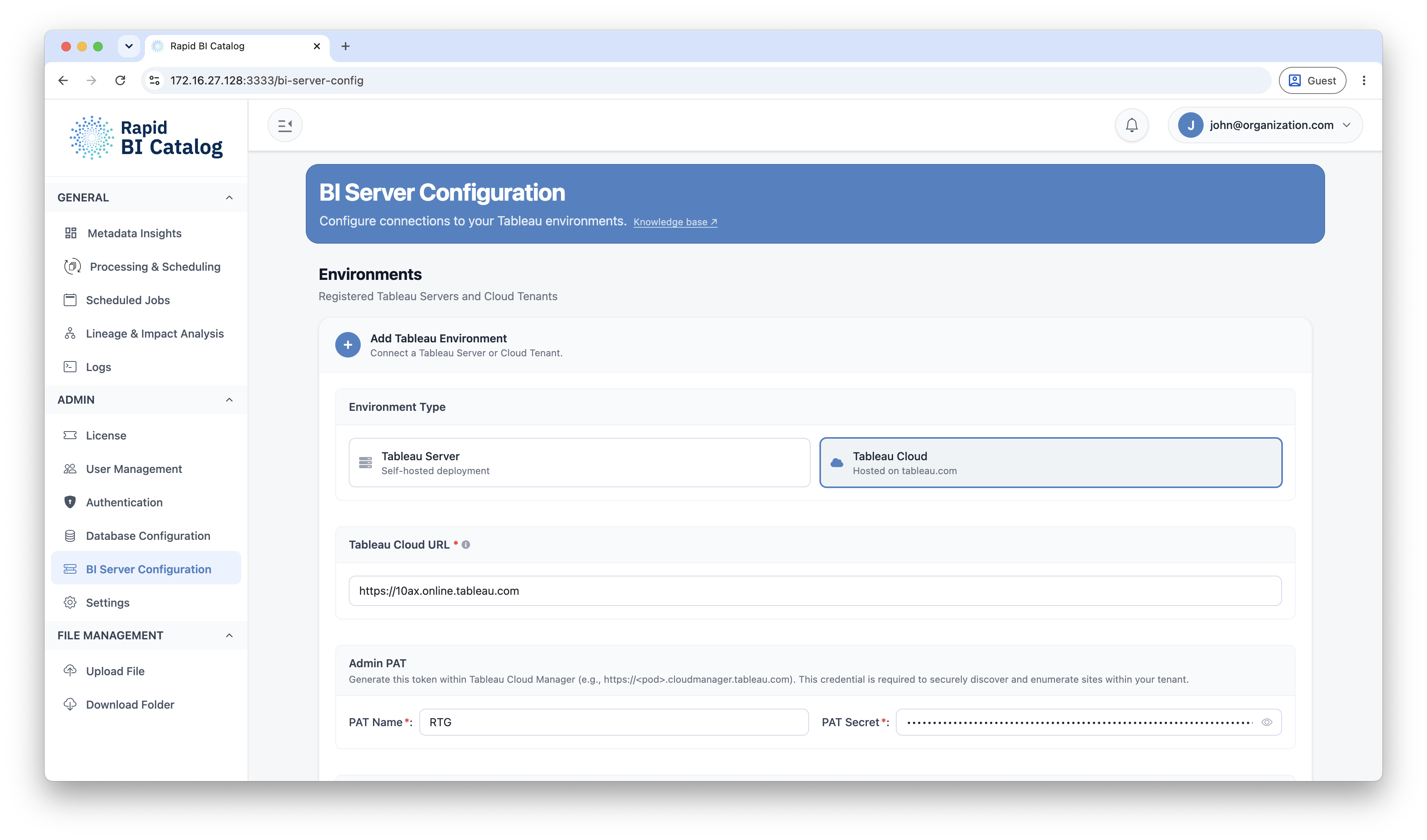
Add a Tableau environment
- Open BI Server Configuration from the left panel, and select the Tableau tab.
- Choose the environment type — Tableau Server or Tableau Cloud.
- Enter the connection details and the Admin PAT used for discovery: for Tableau Cloud this is a Tableau Cloud Manager (TCM) Personal Access Token; for Tableau Server it is a server administrator PAT.
- Click Test Connection. For Tableau Cloud this also discovers the tenant and is required before you can save. For Tableau Server it verifies the URL and admin token.
- Save the environment.
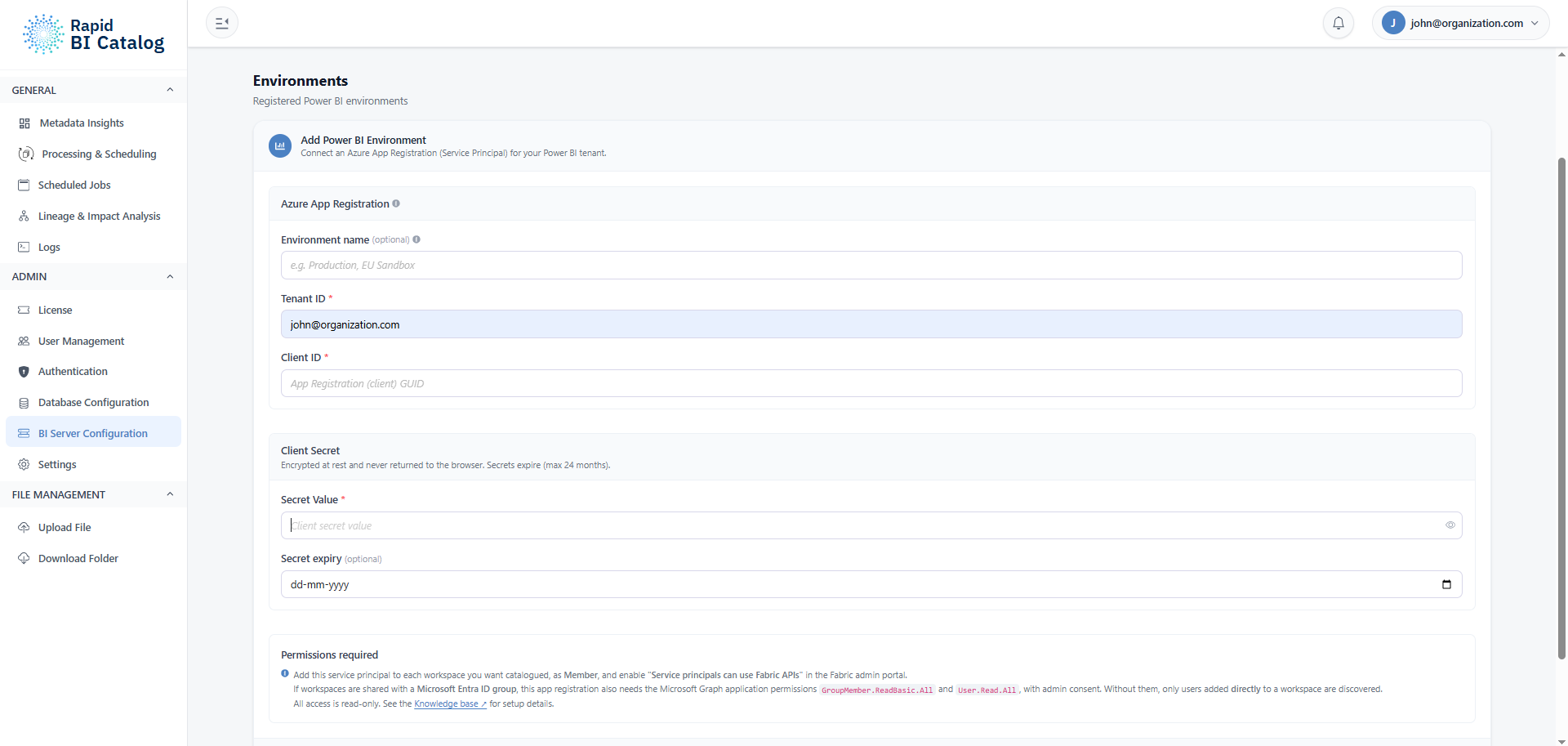
Add a Power BI environment
- Select the Power BI tab.
- Enter the Tenant ID, Client ID and Secret Value of the Microsoft Entra app registration, and optionally a name and the secret expiry date.
- Click Test Connection. It lists the workspaces the service principal can see, and the environment cannot be saved until it passes.
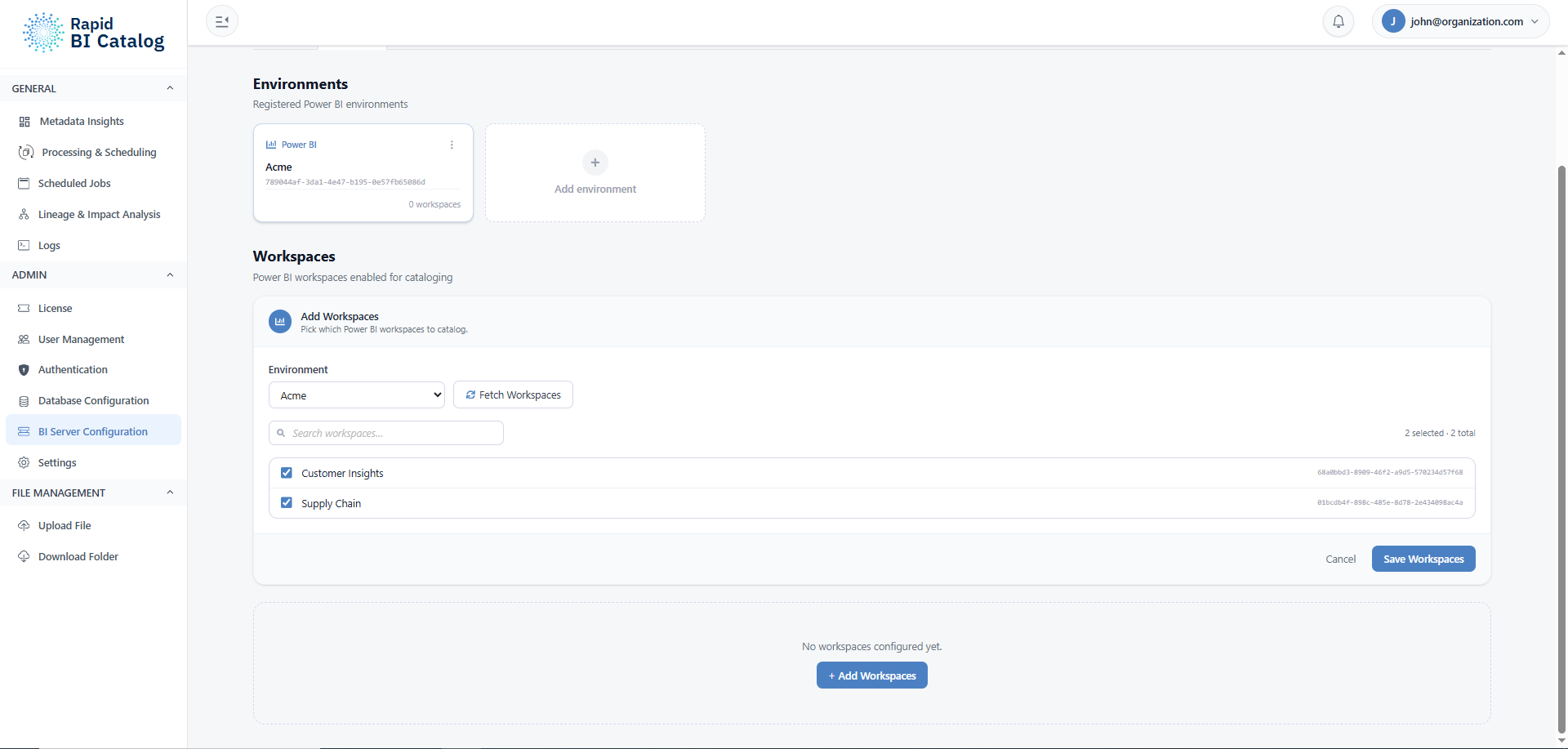
- Save the environment, then fetch and select the workspaces to catalogue.
- Run user discovery on those workspaces, so your users can select them.
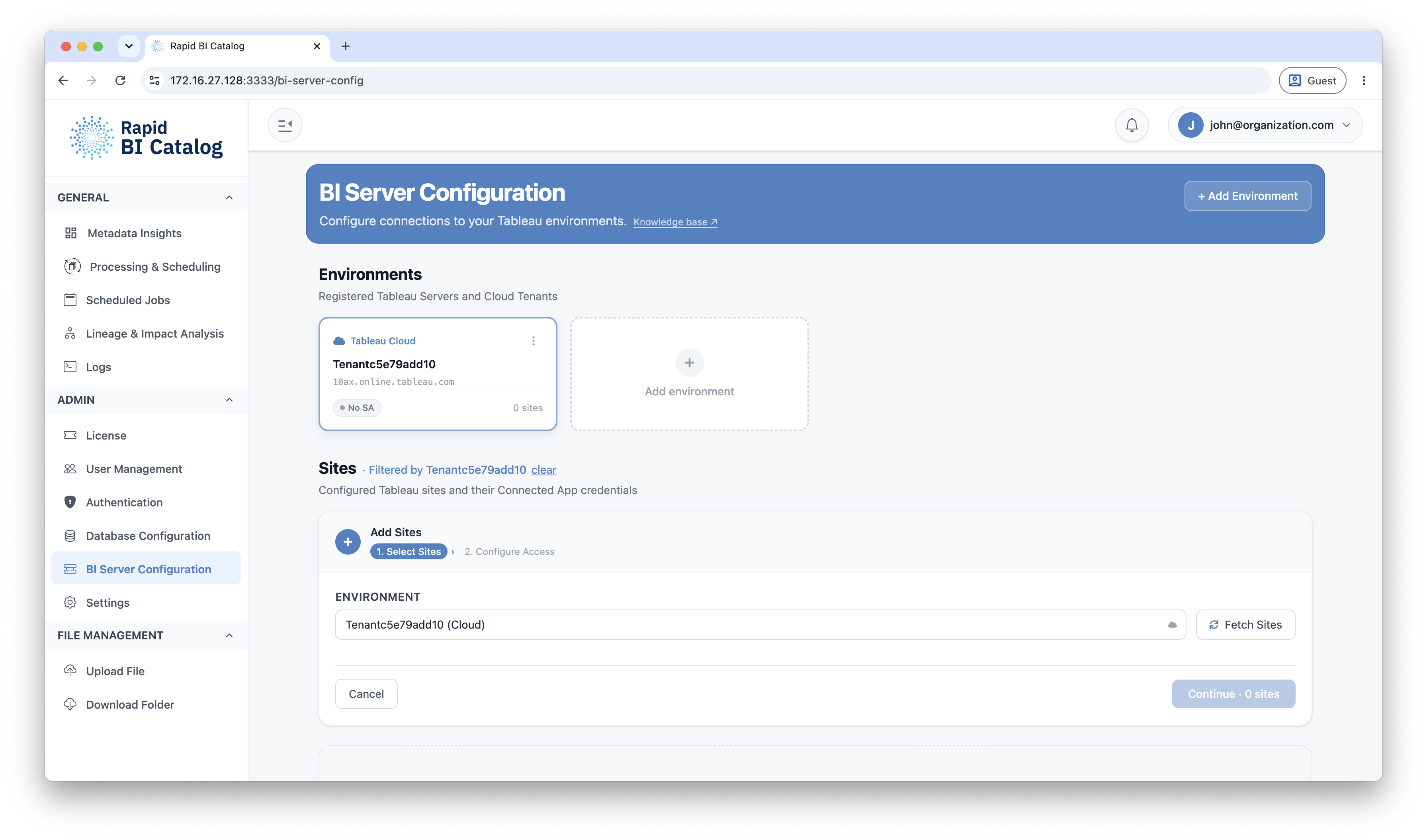
Configure Tableau sites
Under each environment, add and configure the Tableau sites you want to process. For each site you choose an authentication method — Direct Trust or OAuth 2.0 Trust:
- Tableau Server supports a server‑wide configuration that covers its sites.
- Tableau Cloud is configured per site (a Tableau constraint for Tableau Connected Apps).
To run scheduled jobs against a site, also configure a Service Account. For sites that use Direct Trust, run User Discovery before users can process content.
Configure Power BI workspaces
Under each Power BI environment, Fetch Workspaces lists the workspaces the service principal can see and Save Workspaces stores the ones you want catalogued. Run user discovery on them so your users can select them. There is no per-workspace authentication to choose: the environment's service principal is used throughout. See Power BI Service for the detail.
Multiple environments & connection labels
When more than one environment is configured, Rapid BI Catalog surfaces and lets you filter by connection across the UI, lineage diagram, and exports. Connection display labels are derived automatically — a Tableau Server shows its hostname; a Tableau Cloud connection shows its pod host, plus the tenant name when several tenants share one pod. There is no custom connection name to set.
Next Steps
- Choose an authentication method: Tableau Connected Apps
- Enable scheduling: Service Accounts
- Map users for Direct Trust sites: User Discovery
- Set up the Power BI side: Power BI Service
- Process content: Processing & Scheduling